ChatGPT/CodexでDaybreak Blueを使う

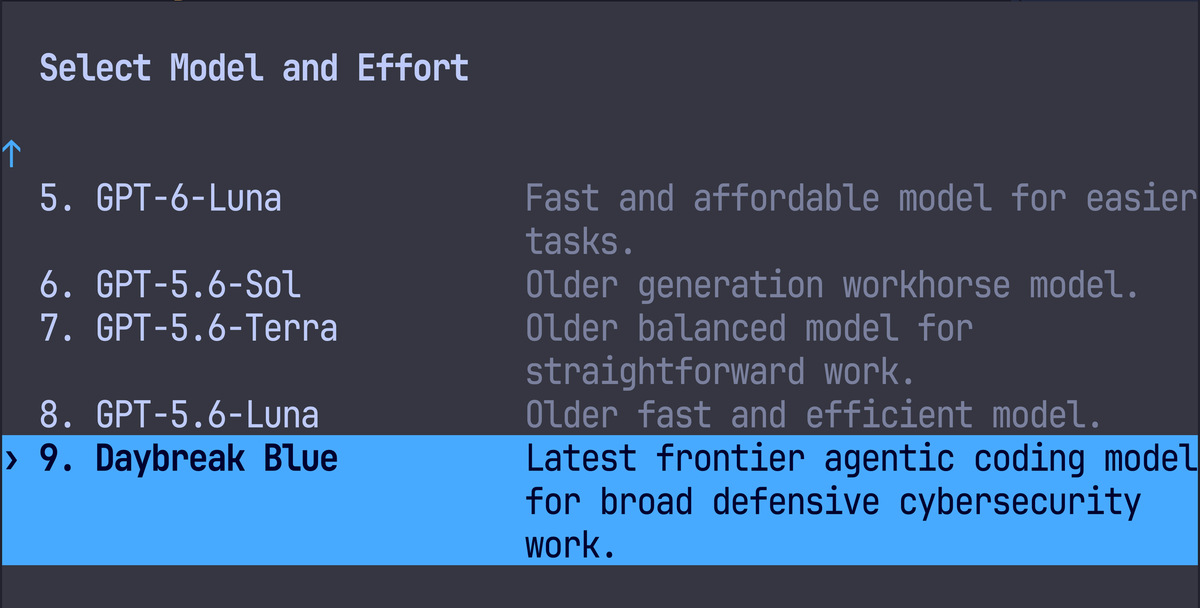
Codex作業でそれなりにコアな作業をしているとSafeguardによる誤検知が目立つようになる。
セキュリティ領域における作業には慎重であるべきなのだが、ある程度は緩和したいので、ある程度知識を持っていれば余計なお世話でもある。
ということで、OpenAIに申請をしてDaybreak Blueを取得してみよう。
Daybreak Blue is 何
Daybreak Access is OpenAI’s Trusted Access for Cyber program. Daybreak Blue and Daybreak Red are access tiers within Daybreak.
ふむ、つまり、Daybreakというサイバー(つまりセキュリティ)関連の重要度の高い作業における限定アクセスということらしい。
Daybreakプログラムには複数のTierがあり、Blue/Redの区分が設けられている。
Blueはあくまで「Reduced refusals on supported mainline models」とあり、そのモデルにフラグシップモデル(現状はAstra)が入っていないということもあり、要は普段の作業でセキュリティ起因の停止を防ぐよ〜ということだろうか。
Redは企業向けセキュリティー研究用途と考えてよいだろう。
で、Blue/Redどっちがいいの
審査基準を見てみよう。
Redはそもそも個人には門戸が開いていないようだ。
ということで我々はBlueの申請をしよう。


公式の説明はここから見てね
3分クッキング—準備編—
要件
Individual Daybreak access requires an eligible paid plan, Advanced Account Security, and at least one compatible FIDO2 hardware security key. A software or synced passkey cannot satisfy the hardware-key requirement. You can keep other passkeys on your account alongside a qualifying physical hardware key. The individual application flow checks these requirements before identity verification.
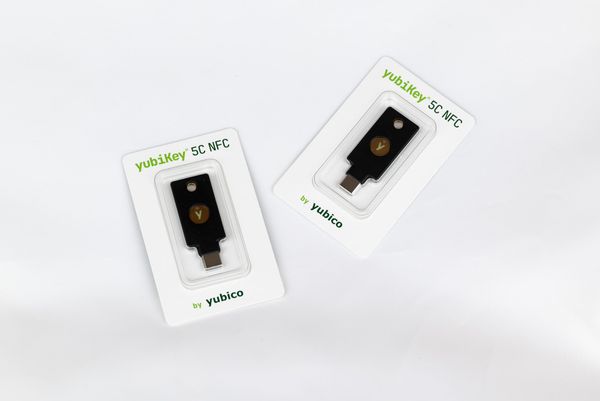
我々にはYubiKeyが必要なようだ。
YubiKeyを買う
YubiKey HomepageからYubiKeyを「2つ以上」買おう。


YubiKeyには色々あるが、YubiKey 5C NFCが一番無難かと。 それこそChatGPTに聞いてください。
ハードウェアセキュリティキーは2つ以上導入するのが理想的です。
chatgpt(dot)com/cyberで諸々の手続きをする
登録フォームから最低限のセキュリティ設定をすませ、YubiKeyにPasskeyを登録して、終わり!

簡単!
3分クッキング---食事編---
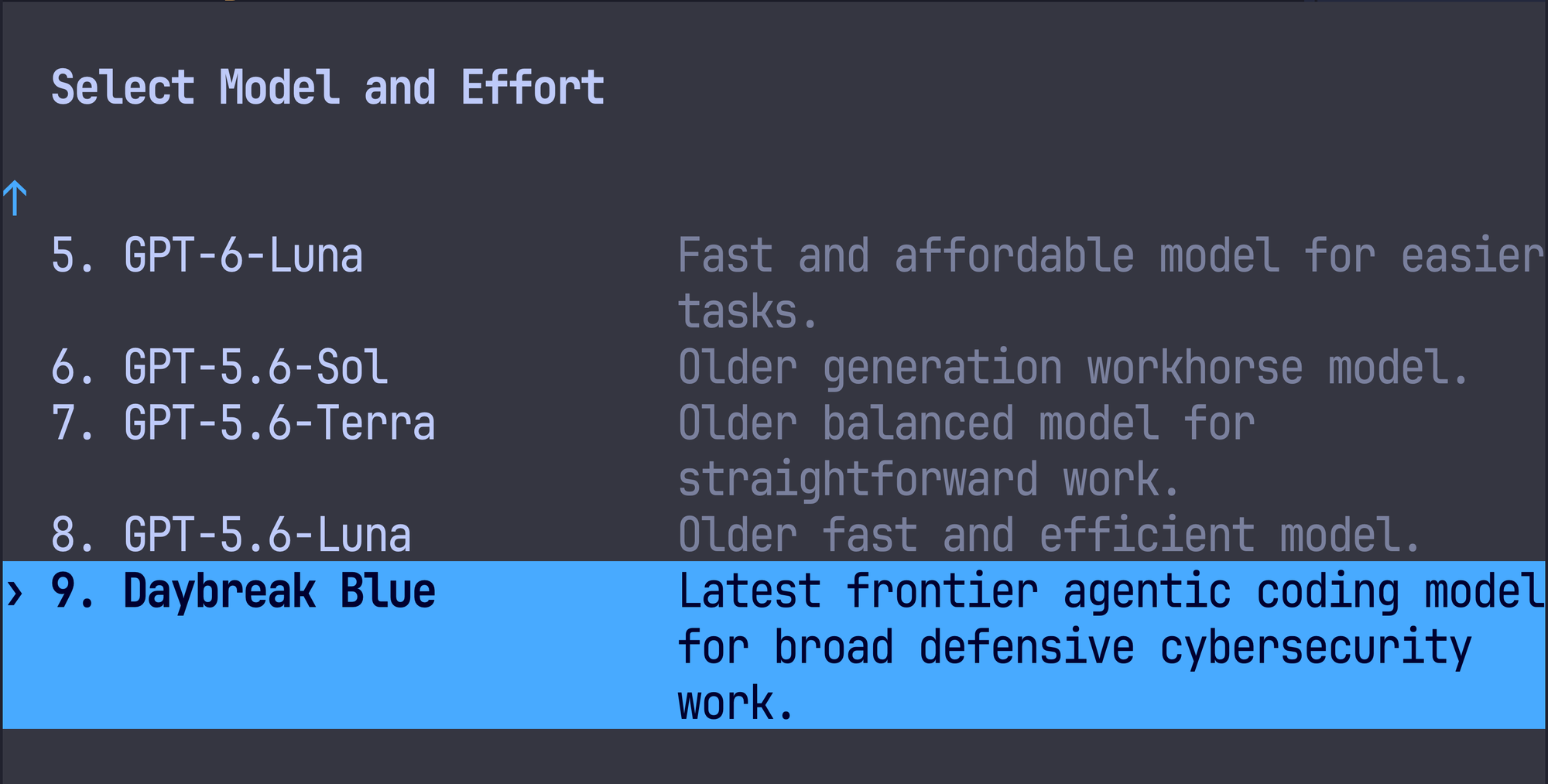
Codexで /model からモデル選択肢をみると Daybreak Blue が使えるようになる。
最後に
悪いことはしちゃダメよ。
エンジニアとしての誇りを持とうね。